One checkout. Multiple fulfilment streams. Zero manual sorting.
A customer orders a case of bottled wine, a personalised gift box with a custom label, and a hamper that needs same-day assembly — all in one cart. Your warehouse, your label studio, and your hamper team each need their own order.. Manually splitting that every day doesn't scale.
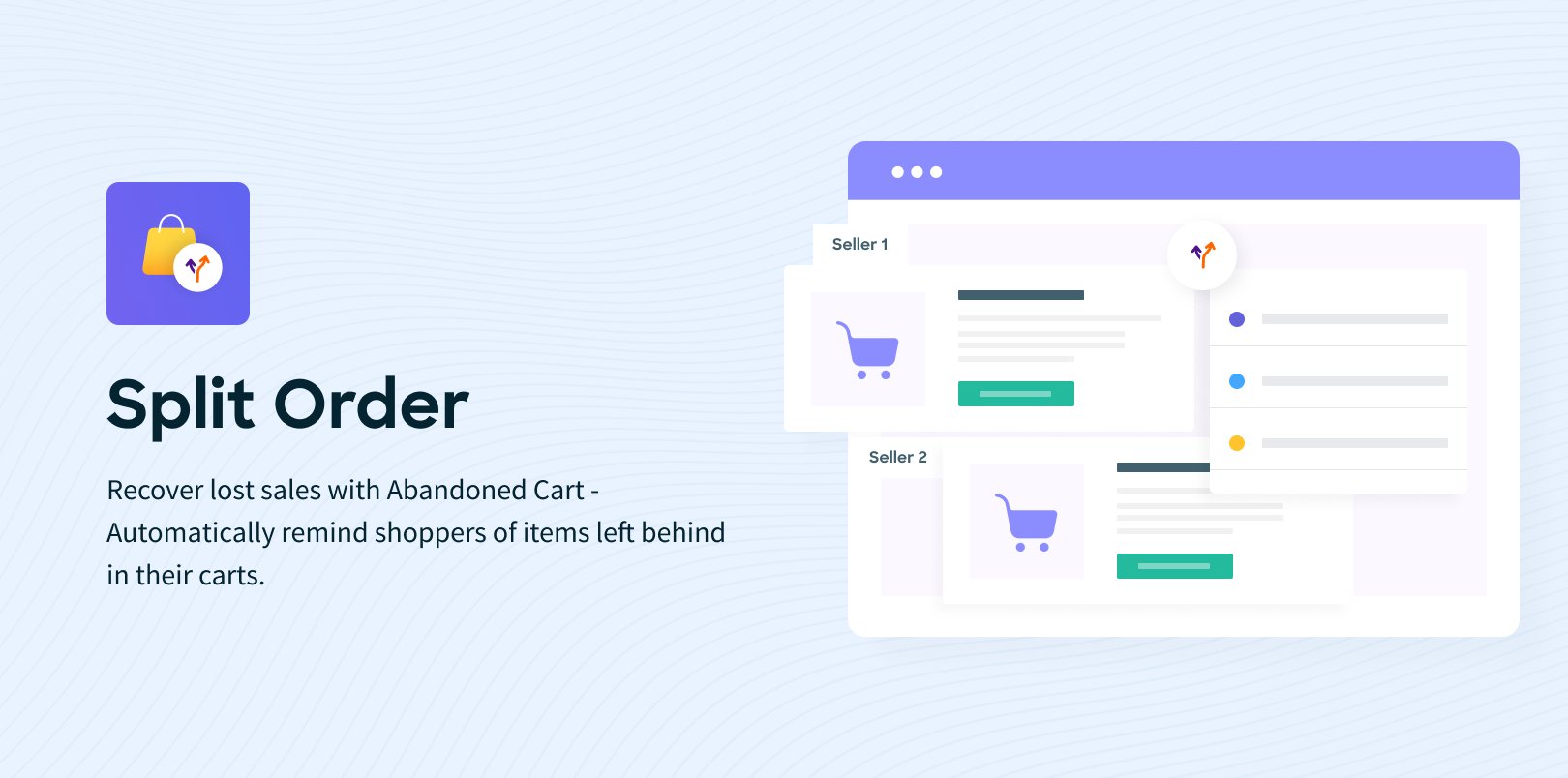
Split Order does it automatically. One customer checkout becomes multiple sub-orders, routed by your rules, the moment payment is confirmed.
The problem it solves
Mixed-product orders are a fulfilment nightmare. Stock items ship from your warehouse. Custom items go to production. Team kits need roster processing. When they all arrive as one order, someone has to pull them apart — every single time.
Split Order removes that person from the equation. Define your split criteria once. Let the system handle it forever.
How it works
Set up a Split Variant — the rule that tells the system how to divide an order. It could be by product type, by category, or by any field in your product schema. When a customer checks out with items matching different criteria, the system automatically creates separate sub-orders, each processed independently, while the customer sees a single seamless checkout.
No extra steps for the customer. No manual work for your team.
Four product streams. All handled automatically.
Stock Products — standard catalogue items routed directly to fulfilment.
Embellished Products — items with logos, text, or designs that need a decoration workflow. Split out automatically so they never hold up stock shipments.
Custom Products — fully configured builds from your product builder. Each custom sub-order carries the complete design specification to production.
Every product type follows its own path. All from one customer transaction.
Category-wise splitting for complex catalogues
Need a second level of separation? Enable category-wise splitting to divide orders further by product category. Stock items in category A go one way. Stock items in category B go another. As many layers as your fulfilment operation requires.
Works alongside Pre-order
Running pre-orders at the same time as stock products? Enable Split Order and Pre-order together — the system handles both concurrently, creating the right sub-order type for each item without conflicts.
One payment. Clean financials across every sub-order
The customer pays once. The system distributes taxes, shipping costs, and discounts proportionally across each sub-order — accurately, automatically, with full financial consistency between the frontend receipt and every sub-order in the admin.
Each sub-order is tracked, managed, and fulfilled independently from that point forward.
Customers stay in the dark — in the best possible way.
From the customer's perspective, they placed one order. The confirmation shows them all their sub-order numbers. They can track each one independently. They never see the operational complexity behind it — just a smooth experience and accurate delivery expectations.
Who it's for
Sports and teamwear stores handling stock, roster, and custom orders simultaneously — where every order type touches a different part of the operation.
Uniform and workwear suppliers mixing embellished stock items with fully custom pieces in a single purchase.
Retailers with in-house production who need to separate made-to-order items from warehouse stock without manual intervention.
Any store where "one order fits all" doesn't reflect how your fulfilment actually works.















 Australia
  United States
  New Zealand
  Canada
  Ireland
  United Kingdom
  China
China  Germany
  Netherlands
  Belgium
  Portuguese
  French
  Cyprus
  Denmark
  Egypt
Egypt  Finland
  Greece
  Hungary
  Indonesian


