Sell it before it exists. Ship it when it's ready
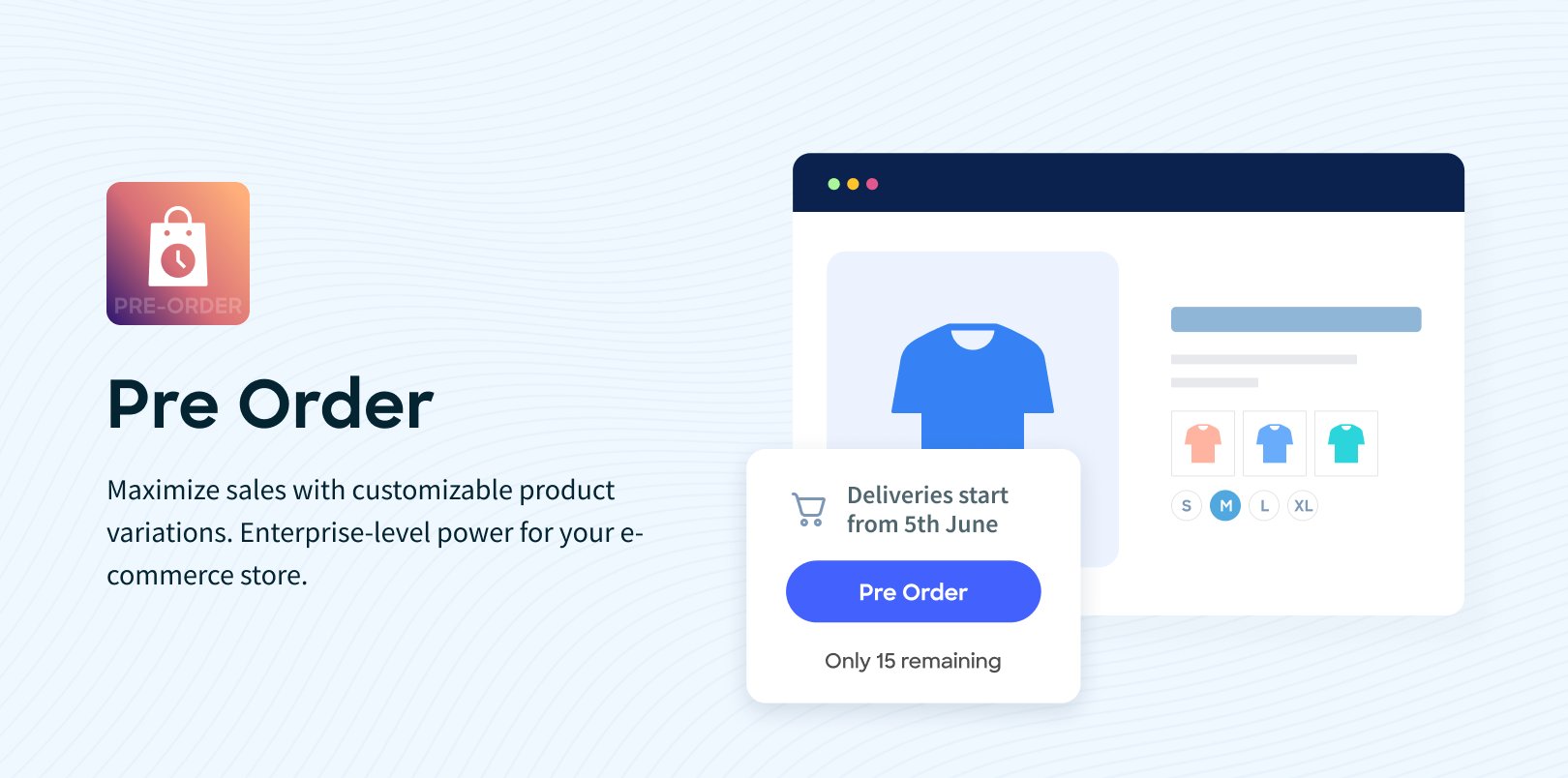
Your next product drop is three weeks away. Your best customers want it now. Pre-order lets them lock it in today — and gives you the revenue, the demand signal, and the fulfilment runway to deliver it right.
Turn upcoming products into immediate revenue
Don't wait for stock to arrive before you start selling. Enable pre-order on any product with a single toggle, and customers can place and pay for their order before it ships. You get cash flow, confirmed demand, and zero guesswork about how much stock to hold.
A checkout built for pre-orders
Customers select their product, check the pre-order flag, and complete a dedicated checkout with a required pre-order date. The pre-order is captured separately from regular orders — tracked, managed, and converted on your timeline, not theirs.
Control who can pre-order
Open pre-orders to everyone, restrict them to registered customers only, or lock them down to a handpicked list of specific customers or groups. Run exclusive early access for your VIPs before the product goes live to the public. One setting, complete control.
Convert when you're ready
Pre-orders sit in PENDING status until you're ready to fulfil. When stock arrives, convert to a regular order in one click — all customer details, addresses, items, and pricing carry across automatically. Customers can also convert their own pre-order from their account, triggering payment and fulfilment without admin involvement.
Modify before you commit
Need to adjust a pre-order before it ships? Add a product, remove a line item, change a quantity. Admins can modify any pending pre-order. Customers can change quantities too — unless you've locked that down with the "cannot decrease quantity" setting.
Send invoices. Cancel in bulk. Stay in control
Invoice a customer directly from the pre-order. Cancel individual pre-orders or bulk-cancel a selection in one action. Every status change is logged in the pre-order history. The admin list is searchable, filterable by status, and sortable by any column — so nothing slips through.
Customer self-service built in
Customers see all their pre-orders in a dedicated tab under My Orders. They can view details, change quantities, convert to order, or cancel — without contacting your team. Less admin work. Happier customers.
Sell it before it ships. Ship it when you're ready.


















 French
  Australia
  United States
  New Zealand
  Canada
  Ireland
  United Kingdom
  China
China  Germany
  Netherlands
  Belgium
  Portuguese
  Cyprus
  Denmark
  Egypt
Egypt  Finland
  Greece
  Hungary
  Indonesian


